Cyberattacks can happen at any time, even when your business is closed. A single stolen password, harmful email attachment, or infected computer can put important company data at risk. Many businesses have security tools, but they may not have enough trained staff to monitor threats and respond to them around the clock.
This is where managed detection and response (MDR) can help. MDR combines security technology with trained cybersecurity experts who monitor systems, investigate suspicious activity, and respond to potential attacks. It gives businesses access to security support without building a large internal security team.
The managed detection and response benefits include 24/7 monitoring, faster threat detection, expert support, proactive threat hunting, and better incident response. This guide explains nine major benefits, practical examples, possible limitations, and how to decide if an MDR service is right for your business.
What Are Managed Detection and Response Benefits?
Managed detection and response (MDR) is a cybersecurity service that helps businesses find, investigate, and respond to cyber threats. It combines security software, automated tools, and human security experts to protect company systems.
An MDR provider monitors agreed business systems, such as computers, servers, networks, cloud services, and user accounts. When it finds suspicious activity, its security team investigates the alert and takes action based on the agreed response plan.
The main MDR benefits come from combining continuous monitoring with expert support. Instead of relying only on security software or waiting for an employee to report a problem, businesses get help identifying and handling possible attacks.
For example, a company employee may receive an email that looks like a normal invoice. The attachment could contain malware. An MDR team may detect unusual activity after the employee opens the file and help isolate the affected computer before the threat spreads.
Example 1:
A small accounting company receives an email containing a harmful attachment. An employee opens it, and the computer starts making unusual network connections. The MDR security team investigates the activity and helps isolate the affected device.
This example shows how MDR can help a business respond to a threat before it affects more computers or exposes sensitive financial information.
How Does an MDR Service Work?
Most MDR services follow a series of steps:
- Collect security data: The service gathers information from computers, servers, networks, and other connected systems.
- Monitor activity: Security tools look for unusual behavior and possible attack signs.
- Investigate alerts: Security analysts review suspicious events to determine whether they represent real threats.
- Respond to threats: The team takes approved actions, such as isolating an infected computer or blocking suspicious activity.
- Report findings: The provider shares incident details, response actions, and recommendations.
The exact services depend on the provider and the contract. Some providers offer endpoint monitoring only, while others cover cloud accounts, email, networks, and user identities.
9 Major Managed Detection and Response Benefits
MDR offers several benefits for businesses that need better security monitoring and incident response. Here are nine of the main advantages.
1. 24/7 Security Monitoring
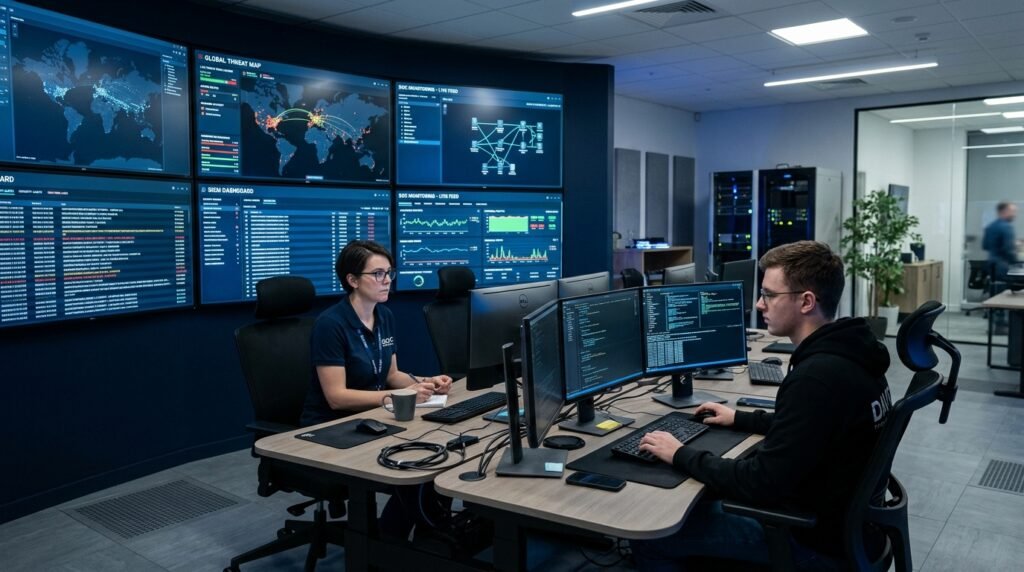
One of the biggest managed detection and response benefits is continuous security monitoring.
Cyberattacks do not follow regular business hours. Criminals may target a company at night, during weekends, or on public holidays. A business with a small IT team may not have employees available to watch security alerts all day and night.
An MDR provider can monitor connected systems around the clock. Its security analysts review suspicious activity and investigate possible threats, even when the company’s regular staff are unavailable.
This helps businesses avoid long periods without security monitoring.
Example 2:
An online store receives unusual login attempts on its customer database at 2:30 a.m. Its internal IT team is unavailable, but the MDR monitoring team reviews the activity and follows the agreed response process.
This example shows why continuous monitoring can help businesses that operate outside normal office hours.
2. Faster Threat Detection and Response
The longer an attacker stays inside a business network, the more damage they may cause. They could steal information, access employee accounts, install malware, or disrupt important services.
Managed detection and response services help reduce delays by monitoring suspicious activity and sending important alerts to trained security analysts.
These experts can investigate events, check related activity, and respond according to the company’s security rules. This may help reduce the time between discovering an attack and taking action.
However, response speed depends on the provider’s coverage, available data, alert priority, and agreed response authority.
Example 3:
A company employee’s account suddenly logs in from an unusual location and downloads a large number of files. The MDR team investigates the login, checks related account activity, and helps block the suspicious session if authorized.
This example shows how quick investigation can help limit unauthorized access to company information.
3. Access to Cybersecurity Experts
Hiring experienced cybersecurity professionals can be expensive. Smaller companies may struggle to find people with skills in threat detection, malware investigation, network security, and incident response.
An MDR service gives businesses access to a team of security specialists without requiring them to hire every expert as a full-time employee.
These professionals may include:
- Security analysts: Review alerts and investigate suspicious activity.
- Threat hunters: Search for hidden signs of cyberattacks.
- Incident responders: Help contain and investigate security incidents.
- Security engineers: Maintain and improve detection systems.
This can be useful for businesses that have general IT employees but lack a dedicated security department.
Example 4:
A small healthcare company has two IT employees who manage computers, software, and user accounts. It hires an MDR provider to handle advanced threat monitoring and incident investigation.
The company gains access to specialist security support while allowing its internal employees to focus on daily IT work.
4. Proactive Threat Hunting
Traditional security tools often create alerts when they detect suspicious activity. However, some attacks may avoid obvious detection or remain hidden inside a network.
Threat hunting is the process of actively searching for signs of malicious activity instead of waiting for an automatic alert.
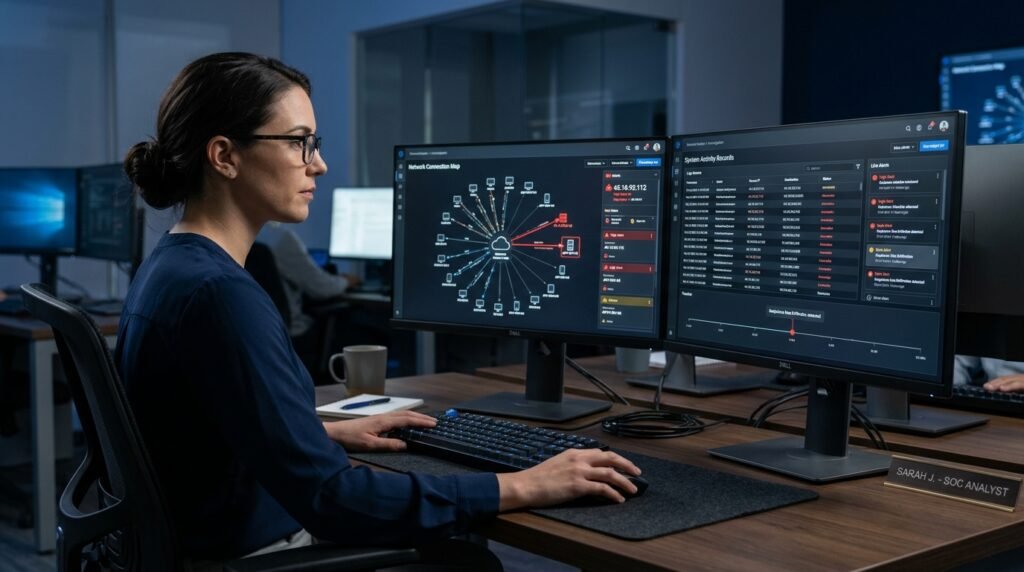
MDR teams use security data, attack patterns, and investigation methods to search for unusual behavior. They may look for suspicious login activity, unknown software, unusual file access, or hidden malware.
Proactive threat hunting can help identify threats that ordinary security alerts may miss.
Example 5:
An MDR analyst notices that an employee computer is connecting to an unfamiliar external server every few hours. The analyst investigates the connection and finds signs of suspicious software running in the background.
This example shows how threat hunting can help uncover activity that might otherwise remain unnoticed.
5. Reduced Workload for Internal IT Teams
Many IT departments already handle several responsibilities. They manage employee devices, software updates, network problems, user accounts, backups, and technical support.
Security alerts can add even more work. Employees may spend hours reviewing notifications, checking suspicious activity, and deciding which events need attention.
An MDR provider can handle much of this security monitoring and investigation work. Internal IT staff can then spend more time on system maintenance, business projects, and security improvements.
The service does not remove the need for internal IT employees. It gives them additional support.
Example 6:
A retail company receives hundreds of security notifications every week. Its IT employees struggle to review them while handling daily support requests. The MDR provider investigates suspicious alerts and sends the team incidents that require attention.
This can reduce the amount of time internal employees spend reviewing security notifications.
6. Lower Cybersecurity Staffing Costs
Building an internal security operations center can require several employees, monitoring tools, training programs, and ongoing maintenance.
For smaller businesses, these expenses may be difficult to manage.
Managed detection and response services offer another option. Businesses pay a service provider for agreed monitoring and response support instead of hiring an entire team to provide the same coverage internally.
However, MDR is not automatically cheaper in every situation. The final cost depends on the number of devices, systems covered, service hours, response features, and contract terms.
Before choosing a provider, compare the full service cost with the cost of building and maintaining an internal security team.
Example 7:
A growing software company wants continuous security monitoring but cannot afford to hire several full-time security analysts. It compares the cost of an internal team with an MDR subscription and selects the service that fits its budget and security needs.
This example shows how MDR can provide access to specialist services without requiring a company to build a complete security department.
7. Better Protection Against Ransomware and Malware
Ransomware is harmful software that can lock files or systems and demand payment to restore access. Malware is a broad term for software created to harm devices, steal information, or gain unauthorized access.
MDR services can help identify suspicious behavior linked to these threats. Depending on the service, security analysts may detect unusual file changes, suspicious processes, unauthorized access, and other signs of an attack.
They can then take approved actions to help contain the threat.
MDR can reduce the risk of widespread damage, but it cannot guarantee that ransomware or malware will never affect a business.
Companies should also use secure backups, software updates, access controls, and employee security training.
Example 8:
A business computer begins changing large numbers of files in a short period. The MDR system flags the unusual behavior, and the security team investigates whether ransomware may be active.
This example shows how unusual activity can trigger an investigation before the problem spreads further.
8. Improved Security Across Business Systems
Businesses often use several types of technology, including office computers, remote laptops, cloud applications, email accounts, servers, and network equipment.
Monitoring each system separately can make it harder to spot attacks that involve several parts of the business.
Some MDR providers collect and review security data from multiple connected sources. This can help analysts identify links between suspicious events.
For example, a stolen employee password may be used to access a cloud account and then attempt to reach an internal server. Reviewing activity from several systems can help reveal the full pattern.
The level of coverage depends on the provider’s supported integrations and the systems connected to the service.
Example 9:
An employee’s email account shows an unusual login. A short time later, the same account attempts to access a company cloud storage system. The MDR team reviews both events and investigates whether the account has been compromised.
This shows how monitoring several systems can help identify related security events.
9. Better Incident Reports and Security Planning
A security incident can reveal weaknesses in a company’s systems and policies. Businesses need clear records of what happened, which systems were affected, and what actions were taken.
Many MDR providers offer incident reports that explain suspicious activity, investigation results, response steps, and recommended improvements.
These reports can help managers and IT teams identify recurring problems and decide where to improve security.
For example, repeated unauthorized login attempts may show that a company needs stronger account protection and better employee access controls.
MDR reporting can also support internal reviews and security planning. However, a provider’s reports do not automatically guarantee compliance with legal or industry rules.
Example 10:
A company receives a monthly MDR report showing repeated login attempts against employee accounts. Its IT manager reviews the findings and introduces stronger multi-factor authentication (MFA) requirements.
This example shows how security reports can help a business improve its security policies.
Additional Business Advantages of MDR
Beyond the nine main benefits, MDR can support several other business goals.
Less Risk of Business Disruption
A serious cyberattack can interrupt customer services, internal operations, and employee work.
MDR teams can help identify and contain threats based on their response agreements. This may reduce the time systems remain affected.
Support for Remote Employees
Remote employees connect to business systems from different locations and networks. This can create more points that attackers may target.
MDR services can monitor supported employee devices and accounts, including activity outside the main office.
Better Use of Existing Security Tools
Some businesses already use endpoint protection, firewalls, and other security products.
An MDR provider may work with existing tools rather than requiring a complete replacement. This depends on compatibility, integrations, and the provider’s service model.
Help With Security Improvement
Regular incident reports and security reviews can help businesses find gaps in their current setup.
Companies can use these findings to improve access controls, update software, review security policies, and train employees.
MDR vs EDR vs XDR vs MSSP: What Is the Difference?
These terms are related, but they describe different security products and services.
| Security Solution | Meaning | Main Purpose |
|---|---|---|
| MDR | Managed Detection and Response | Combines security tools with expert monitoring, investigation, and response. |
| EDR | Endpoint Detection and Response | Monitors computers and servers for suspicious activity. |
| XDR | Extended Detection and Response | Combines security information from multiple sources for threat detection. |
| MSSP | Managed Security Service Provider | Manages a wider range of security services and tools. |
| SIEM | Security Information and Event Management | Collects and analyzes security logs from different systems. |
MDR vs EDR
EDR is a security technology that monitors individual devices, such as laptops, desktops, and servers.
MDR is a managed service that uses security technology and human experts to monitor, investigate, and respond to threats.
A business can use EDR software on its own or use it as part of an MDR service.
MDR vs XDR
XDR combines security information from several sources, which may include endpoints, networks, email, and cloud systems.
MDR adds a managed service team that investigates threats and helps respond to them.
Some MDR providers use XDR platforms as part of their services.
MDR vs MSSP
An MSSP manages a wider range of cybersecurity services. These may include firewall management, security monitoring, vulnerability management, and system maintenance.
An MDR provider focuses more directly on threat detection, investigation, threat hunting, and response.
Some MSSPs also offer MDR as part of their service packages.
What Are the Possible Limitations of MDR?
MDR can help improve business security, but it is not a complete replacement for every cybersecurity measure.
Businesses should consider these limitations before signing a contract.
1. Service Coverage May Be Limited
Some providers monitor only endpoints, while others cover networks, cloud services, email, and user accounts.
Check which systems are included in the service.
2. Response Actions Depend on the Contract
Not every MDR provider has permission to make changes to your systems.
For example, one provider may isolate an infected device automatically, while another may contact your IT team and wait for approval.
Ask which actions the provider can take without permission.
3. MDR Does Not Prevent Every Attack
No security service can promise complete protection.
Businesses still need secure backups, software updates, strong passwords, MFA, access controls, and employee training.
4. Service Costs Can Vary
Pricing may depend on the number of devices, users, data sources, monitoring requirements, and response features.
Request a clear price breakdown before making a decision.
5. Internal Cooperation Is Still Needed
MDR works best when the provider and the company’s internal IT team share information and follow a clear incident response plan.
Businesses should assign contacts who can make decisions during security incidents.
How to Choose the Right MDR Provider
Choosing an MDR provider requires more than comparing monthly prices. You should check what the service covers and how it handles real security incidents.
Use this checklist before selecting a provider.
- 24/7 monitoring: Confirm whether the provider offers continuous monitoring.
- Threat hunting: Ask whether its analysts actively search for hidden threats.
- Incident response: Find out which actions the team can take during an attack.
- System coverage: Check support for endpoints, servers, cloud accounts, email, and networks.
- Response time: Ask how the provider handles urgent alerts and critical incidents.
- Reporting: Check whether it provides clear incident reports and regular security reviews.
- Existing tools: Confirm that its service works with your current security products.
- Data privacy: Ask how the provider stores, accesses, and protects your business data.
- Pricing: Request a complete breakdown of setup fees, monthly charges, and extra services.
- Service agreement: Review responsibilities, response limits, support hours, and contract terms.
Questions to Ask an MDR Provider
Before signing a contract, ask these questions:
- Do you provide 24/7 security monitoring?
- Which systems and devices will you monitor?
- Who investigates security alerts?
- Can your team isolate an infected device?
- How quickly do you respond to serious threats?
- Do you provide threat hunting?
- What reports will our company receive?
- How do you work with our internal IT team?
- What happens if a security incident occurs outside business hours?
- Are there extra charges for incident response?
The answers will help you compare providers and choose a service that matches your company’s needs.
Which Businesses Can Benefit From MDR?
MDR can be useful for organizations of different sizes, especially those that need continuous monitoring but do not have a large internal security team.
Some examples include:
Small businesses: Companies with limited IT staff can gain access to specialist security monitoring.
Healthcare organizations: These businesses can use MDR to monitor supported systems that store patient and business information. They must still meet their own privacy and security duties.
Financial companies: Banks, accounting firms, and financial service providers can use MDR to monitor suspicious account activity and protect business systems.
E-commerce stores: Online retailers can benefit from monitoring that helps identify suspicious access to business accounts, servers, and customer data.
Technology companies: Software businesses can use MDR to monitor endpoints, cloud systems, and employee accounts.
Large organizations: Companies with internal security departments can use MDR to add extra monitoring capacity and specialist support.
The best fit depends on the company’s security risks, available staff, budget, and service requirements.
Frequently Asked Questions About Managed Detection and Response Benefits
1. What are the main benefits of managed detection and response?
The main benefits include 24/7 security monitoring, faster threat detection, expert cybersecurity support, proactive threat hunting, reduced IT workload, and improved incident response. MDR can also help businesses manage security costs.
2. Why is MDR important for small businesses?
MDR can give small businesses access to trained security analysts without requiring them to hire a full internal security team. It can also provide continuous monitoring and help investigate suspicious activity.
3. Does MDR provide 24/7 monitoring?
Many MDR providers offer 24/7 monitoring, but coverage can vary. Check the service agreement to confirm monitoring hours, response times, and support availability.
4. Can MDR prevent ransomware attacks?
MDR can help detect suspicious activity linked to ransomware and support a quick response. However, it cannot guarantee that every ransomware attack will be prevented. Businesses should also maintain secure backups, update software, and use strong access controls.
5. Is MDR better than EDR?
MDR and EDR serve different purposes. EDR is a security technology that monitors devices, while MDR is a managed service that adds human monitoring, investigation, and response. A business may use both together.
6. What is the difference between MDR and MSSP?
MDR focuses on threat detection, investigation, hunting, and response. An MSSP usually manages a wider range of security services, such as firewalls, security tools, and network monitoring.
7. Is MDR worth the cost?
MDR may be worth the cost for businesses that need continuous monitoring and specialist security support but cannot maintain a full internal security team. The value depends on the company’s risks, service coverage, and budget.
8. Does MDR replace an internal IT security team?
No. MDR can support an internal team by handling monitoring, threat investigation, and response tasks. Internal employees are still needed to manage business systems, make security decisions, and coordinate recovery.
9. How quickly can an MDR provider respond to a threat?
Response times vary by provider, threat severity, service agreement, and response authority. Ask for clear response targets and check whether the provider can take immediate action or must wait for approval.
Conclusion
The managed detection and response benefits make MDR a useful option for businesses that need better cybersecurity monitoring and expert support. It can provide 24/7 monitoring, faster threat detection, proactive threat hunting, and help with security incidents.
It can also reduce the workload on internal IT employees and give smaller businesses access to specialist security services without building a large internal team.
However, MDR is not a complete replacement for other security measures. Businesses still need secure backups, software updates, strong access controls, and employee training.
Before choosing an MDR provider, compare its monitoring coverage, response services, reporting, pricing, and contract terms. Select a service that fits your company’s actual security needs and budget.

Emily Carter (Content Writer & Communication Specialist) is a content writer and communication specialist at AllTypeInfo.com. She writes clear, practical, and easy-to-follow guides on email responses, message replies, writing templates, and everyday communication tips. Her goal is to help readers communicate with confidence in both personal and professional settings.